One art style, across every scene
Build a custom art style from your own reference images or from frames pulled out of a YouTube channel, then apply it across every scene of a video and every video on a channel. Built-in presets cover the common looks for a fast start.
Two ways to build one
From reference images
Upload a handful of images and the tool learns their color palette, lighting, and composition, then generates new scenes in that style.
From a YouTube channel
Paste a channel's link and TubeGen pulls frames from its videos to build the style, so a video can match the look of a channel that already works.
Start fast with a built-in look
Choose a preset and every scene renders in it. Or build your own from references or a channel.
One style, every scene, saved for next time
A style applies across every scene, so the whole video stays consistent instead of drifting image to image. Save styles and reuse them on later videos. The number of saved styles depends on the plan.
A recurring character, in any style
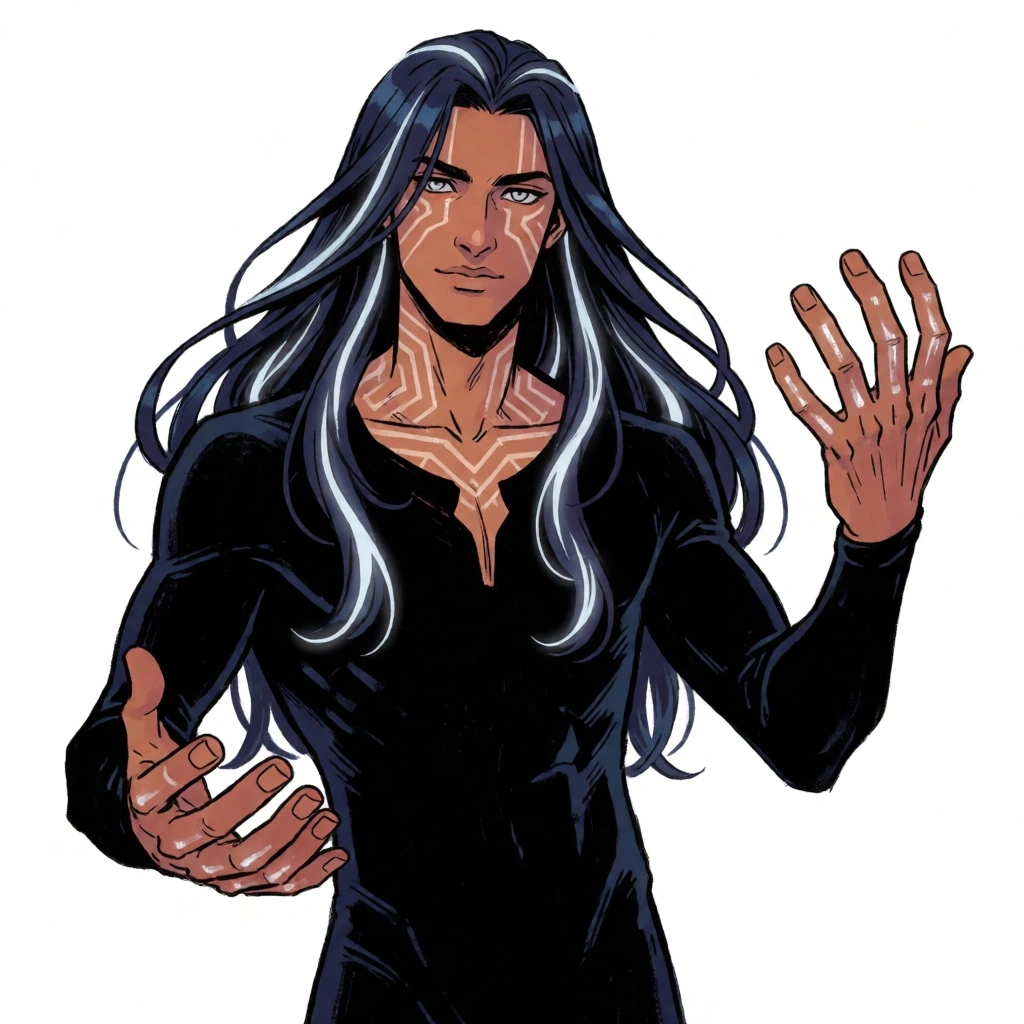
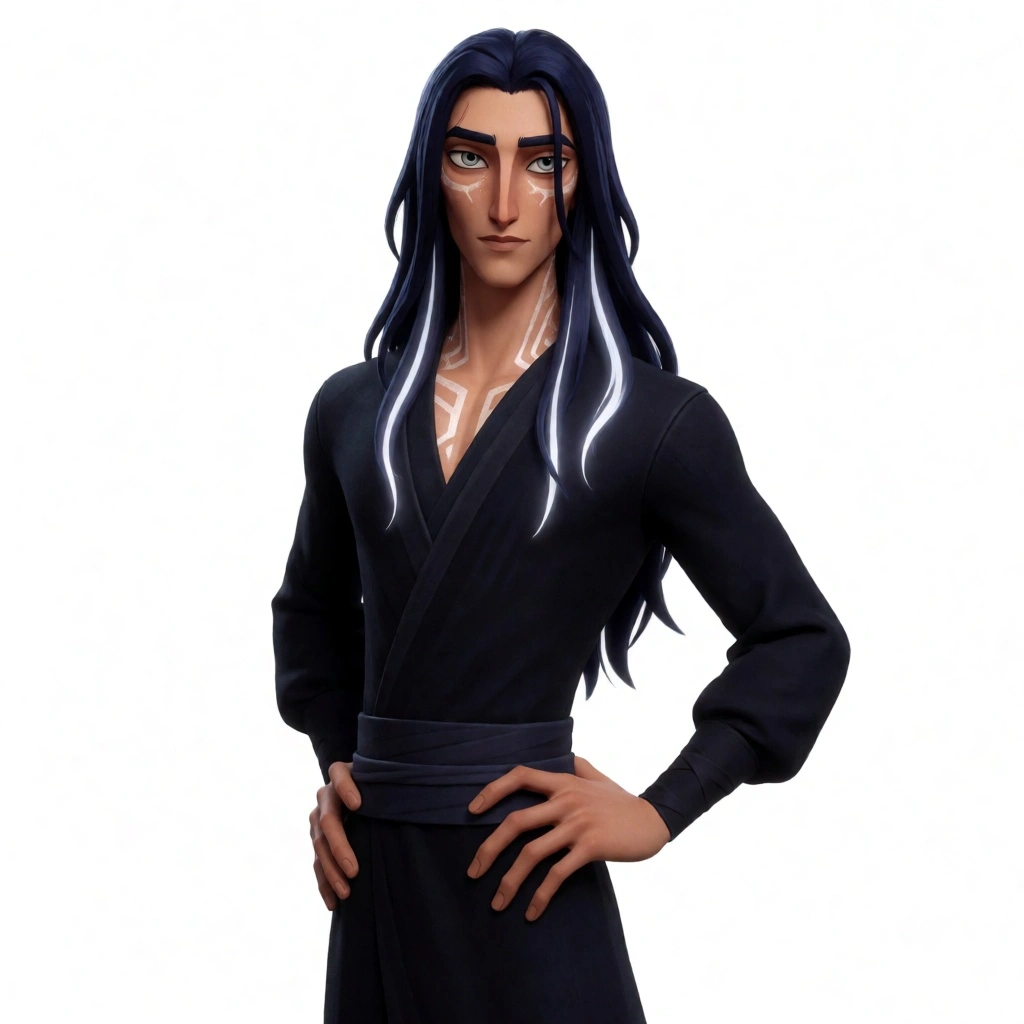
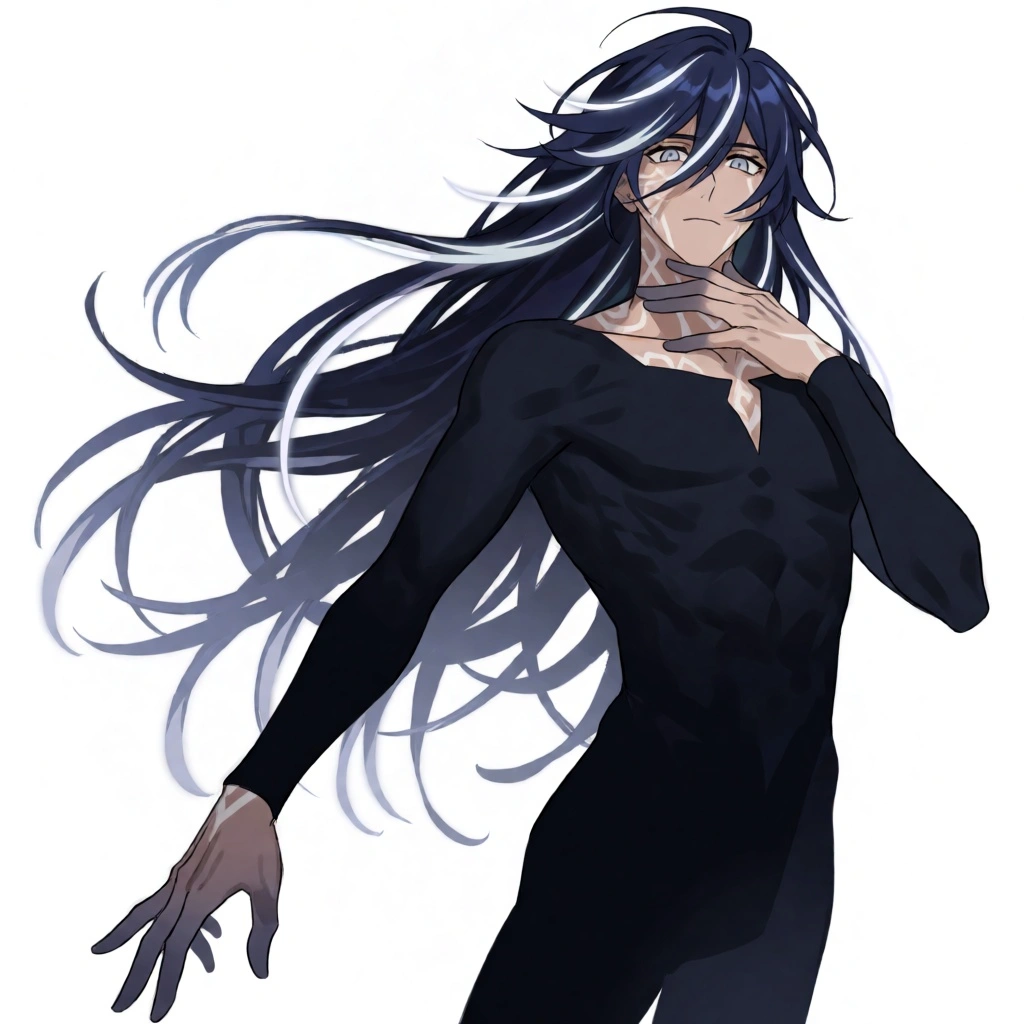
A custom character can be rendered to match different art styles, so a recurring character and a chosen style hold together across a channel. The character stays recognizable while the style fits whatever a given video needs.
The style system powers the Scene Builder
Whatever style is chosen or built is what every generated image uses. It runs as part of producing a full video in TubeGen, alongside the script, voiceover, scenes, music, and editor.
Questions, answered
Can I create a custom AI art style?
Yes. Build one from a handful of reference images, or from a YouTube channel link that pulls frames from that channel's videos. The style then applies across every scene.
Can I copy a YouTube channel's art style?
Paste the channel's link and TubeGen pulls frames from its videos to build the style, so a new video can match the look of a channel that already performs.
Can I reuse a style across videos?
Saved styles carry over to later videos. The number you can save depends on the plan, from 2 on Starter to 20 on Premium.
What art styles are available?
Presets include comic book, anime, pixel art, Pixar-style 3D, digital art, watercolor, and low poly, plus any custom style you build.
Explore the platform