A presenter on screen, without a camera
TubeGen can put a presenter on screen without a camera. Upload a photo to make an avatar that looks like you, or build a character to front the channel instead. The avatar speaks your voiceover on screen, so you get a talking head without filming yourself.
An on-screen presenter from a photo or a character
Make an on-screen presenter from a photo or a custom character. Use your own face, or create a character if you'd rather stay anonymous.
The avatar is animated to your voiceover, so it delivers the narration as the face of the video.
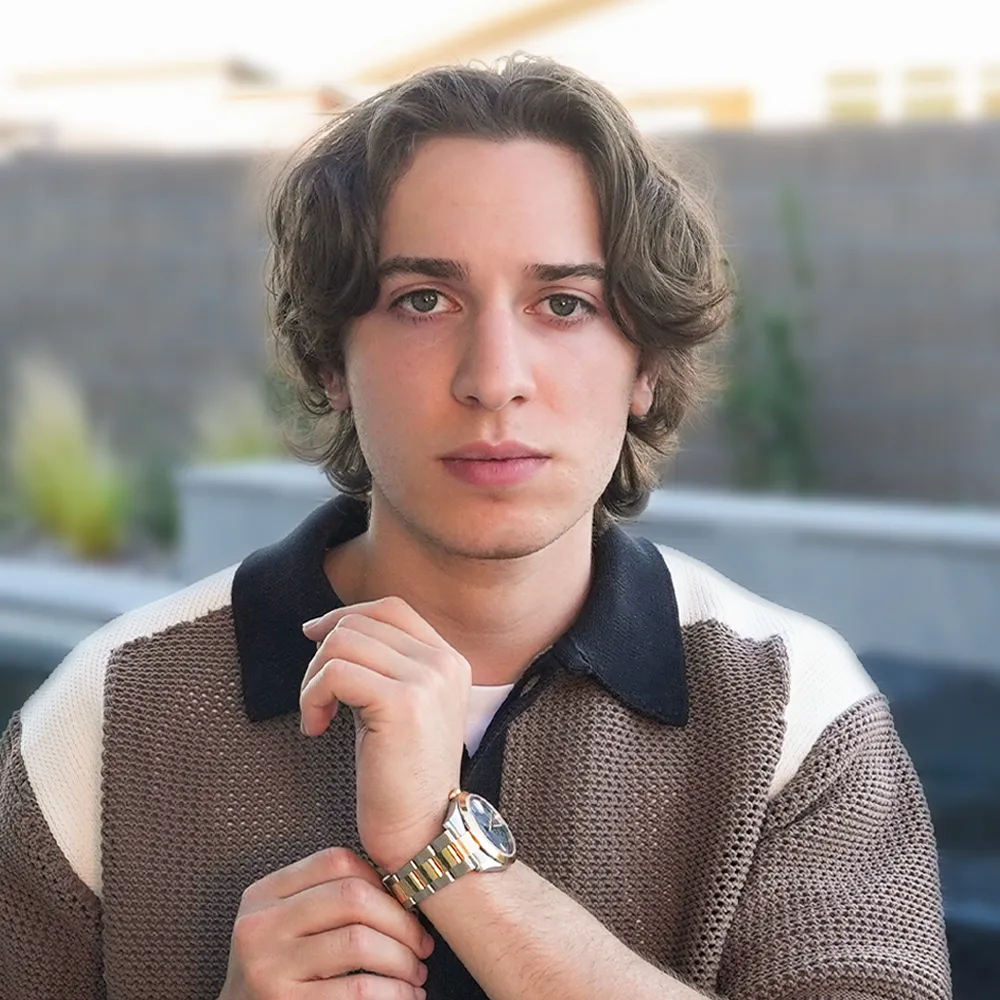
An avatar that resembles you, on screen.

Keep the channel anonymous with a generated face.
A face on screen, without filming yourself
This fits videos that work better with a person on screen, like commentary, news, reactions, and teaching. You get the presence of a face without being on camera. Pair it with a cloned voice and the same presenter can front every video on your channel.
From a photo to a presenter in three steps
Provide a photo or character
Upload your own photo, or generate a custom character to front the channel.
Animate it to the voiceover
The avatar is driven by the narration, delivering it on screen as the video's talking head.
Download it, or drop it in
Download the avatar to use anywhere, or let it run through your scenes with the rest of your video.
Runs on the voiceover, through your scenes
The avatar runs on your voiceover, then drops into the editor with the rest of your video. It's part of your visuals, so you make a presenter-led video in one place instead of using a camera, a studio, or a separate avatar tool. See all of Visuals →
More on-screen time on higher plans
Questions, answered
Can I make a talking-head video without a camera?
Yes. Upload a photo or build a character, and the avatar speaks your voiceover on screen. You get a presenter without filming yourself.
Can I use my own face?
Yes. Upload a photo to make an avatar that looks like you, or create a character instead if you want to keep the channel anonymous.
How long can the avatar appear?
It depends on your plan: up to 30 seconds per video on Starter, 2 minutes on Pro, and unlimited on Premium.
Explore the platform