Add motion to your scene images
TubeGen can add motion to your scene images. Make your images first, then turn any of them into short moving clips. A still scene starts to move, so the video feels less flat. You decide which scenes move and how much.
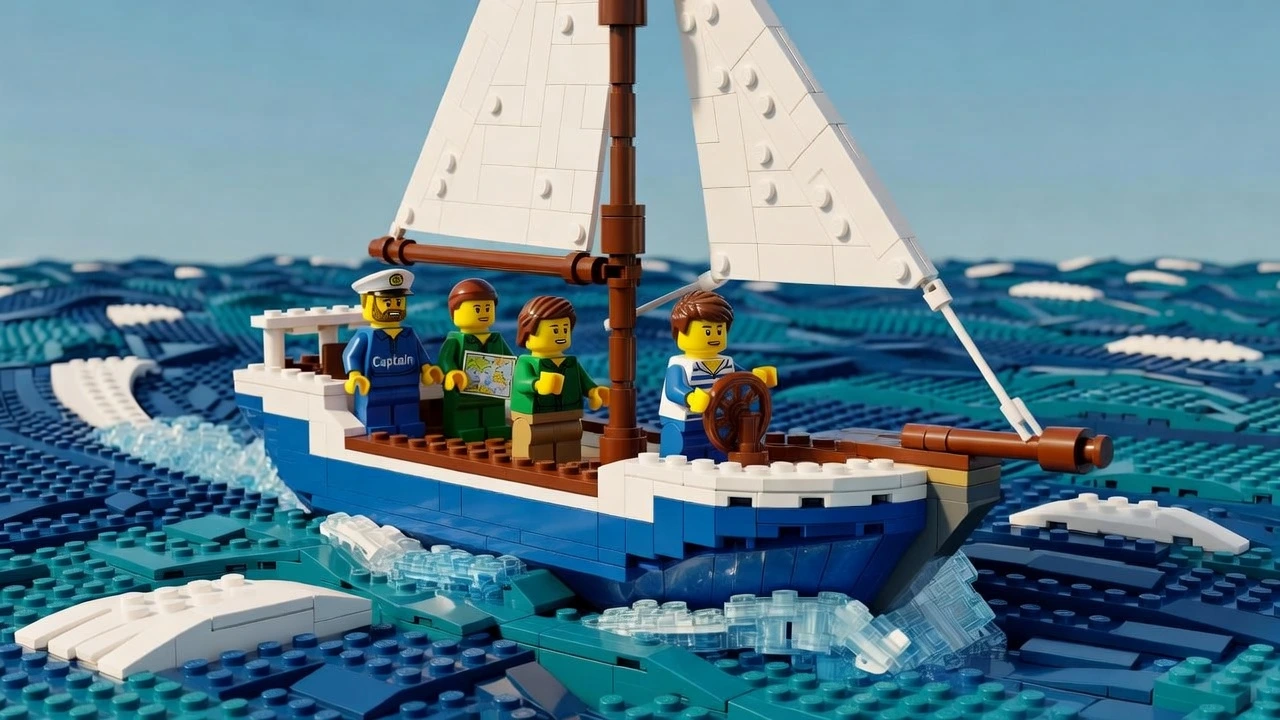
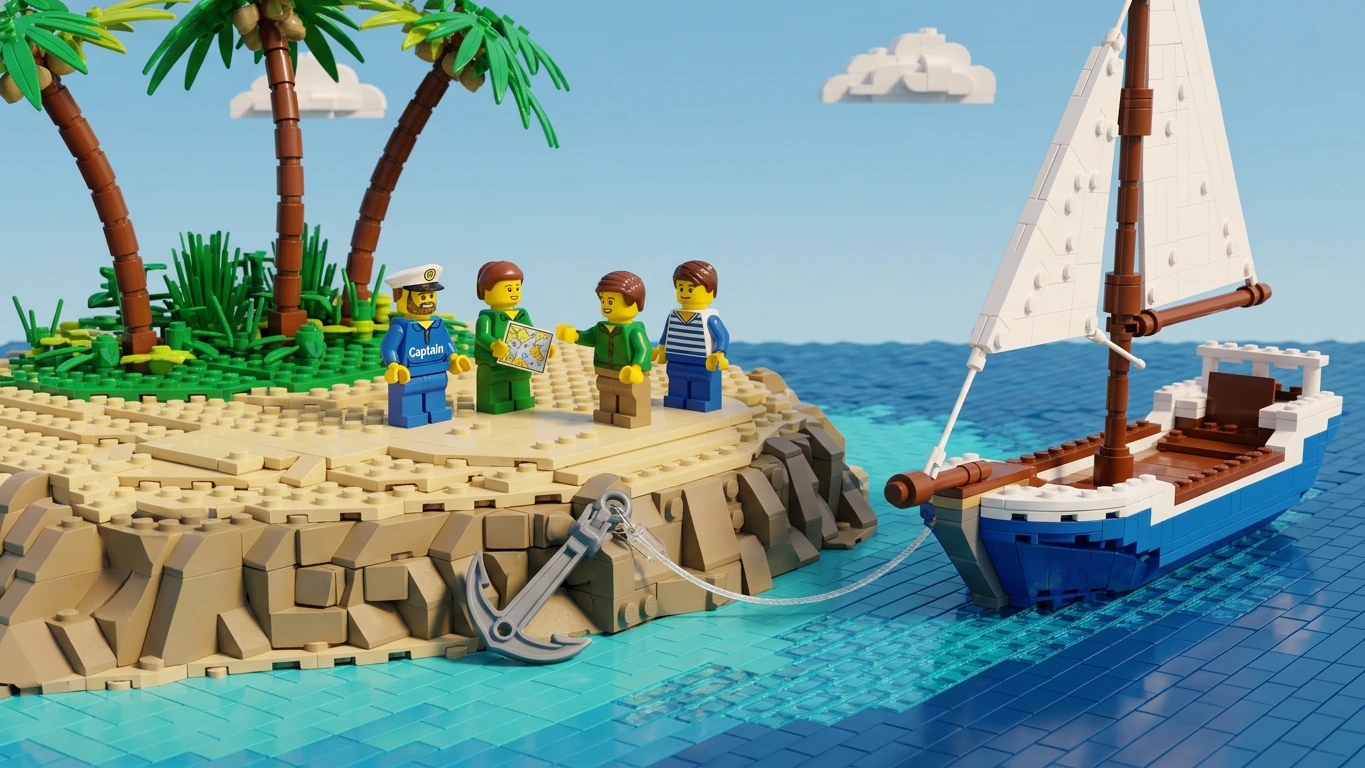
From a still image to a moving clip
Animation runs on images you've already made. Pick a scene, animate it, and you get a short moving clip back. The other scenes can stay as stills, so you mix moving and still scenes however you like.
Start with your images
Animation uses the scene images you already generated. Make those first.
Pick a scene to animate
Choose one scene, a few, or all of them. The rest stay as stills.
Get a moving clip
Each chosen scene comes back as a short clip that actually moves.
Animation per video, by plan
Builds on your images
Animation builds on the images from the image generator, so it needs those scenes to work. It's part of your visuals, not a separate tool.
Once your scenes are animated, they move on to the editor with the rest of the video.
Animation needs your generated scenes first.
See all of Visuals →Questions, answered
Can I animate my AI images?
Yes. Generate your scene images first, then turn any of them into short moving clips. You choose which scenes move and which stay still.
How much animation do I get?
It depends on your plan: up to 1 minute per video on Starter, 10 minutes on Pro, and unlimited on Premium.
Do animated scenes cost credits?
Animating a scene costs credits, while leaving it as a still doesn't. The cost per animation is fixed, so it's the same for every scene you move.
Does animation work on its own?
No. It runs on the images you made in the image generator, so it's used with your visuals, not by itself.
Explore the platform