The same character, every scene and every video
TubeGen keeps a custom character looking the same across every scene of a video and across later videos. The character is used directly in scene generation, so it appears in the images themselves, and it can match different art styles while staying recognizable.




Created once, recognizable everywhere
A custom character is created once and then used in the Scene Builder to populate the scenes of a video. Across those scenes and later videos, the character keeps the same identity instead of being redrawn differently each time.
The same character can also be rendered to match different art styles, so it fits whatever look a given video uses.

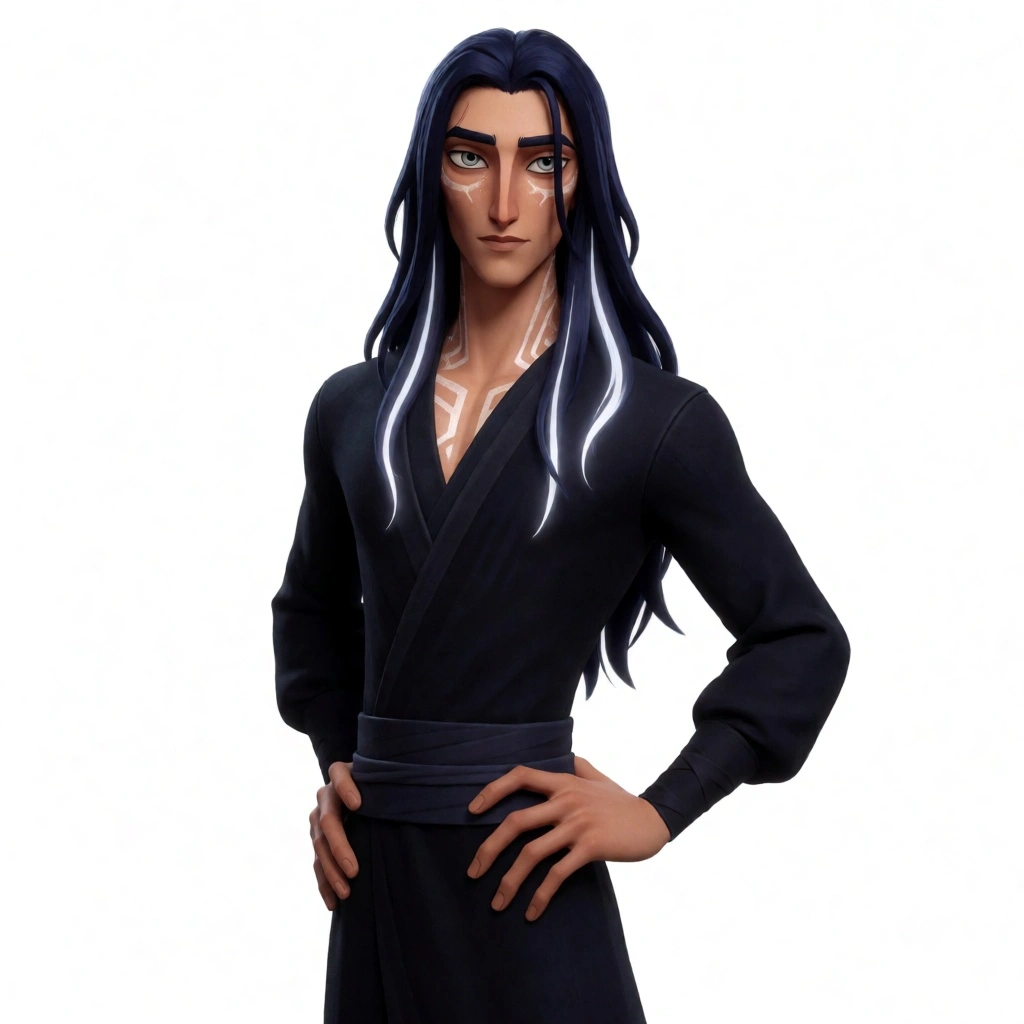

Same identity in every style, recognizable from one video to the next.
Built for content that depends on continuity
These formats rely on a character viewers recognize from one video to the next.
Story channels
Narrative videos where the same character carries the story.
Episodic series
A cast that returns episode after episode, looking the same.
Recurring host
A consistent host or narrator that anchors every video.
Returning mascot
A brand mascot or cast that viewers recognize instantly.
Create once, use everywhere
Create a custom character
Build your character once. It becomes the locked reference for everything that follows.
Drop it into the Scene Builder
The character is used directly in scene generation, appearing in the images with the same identity across every scene.
Reuse it across videos
Keep the character consistent across a channel in any art style, or download character images to use anywhere.
Consistent Characters runs through the Scene Builder
A custom character is placed into the generated scenes and held consistent across the video and the channel. It works on its own for downloadable character images, and inside TubeGen the character flows into the full video build alongside the script, voiceover, and visuals.
Questions, answered
Can AI keep a character consistent across videos?
Yes. TubeGen keeps a custom character's appearance the same from scene to scene and across multiple videos, which is what story-driven and series content needs.
How does the character get used in a video?
The character is used directly in scene generation, so it appears in the images the Scene Builder creates, holding the same look across every scene.
Can the character match different art styles?
Yes. The same character can be rendered in different art styles while staying recognizable, so a recurring character can appear in videos with different looks.
Can I use Consistent Characters on its own?
Yes. Every TubeGen tool runs standalone, so consistent character images can be generated and downloaded directly. It also connects to the Scene Builder and the rest of the platform for a full video built in one place.
Explore the platform