AI thumbnails built to earn the click
More than a one-shot generator. The Thumbnail Maker is a full studio: start from your video, build with templates, characters, objects, and AI-written text, then edit any part, A/B test variations, and publish to YouTube — all in one place.
Works on its own, or as a step in the TubeGen pipeline

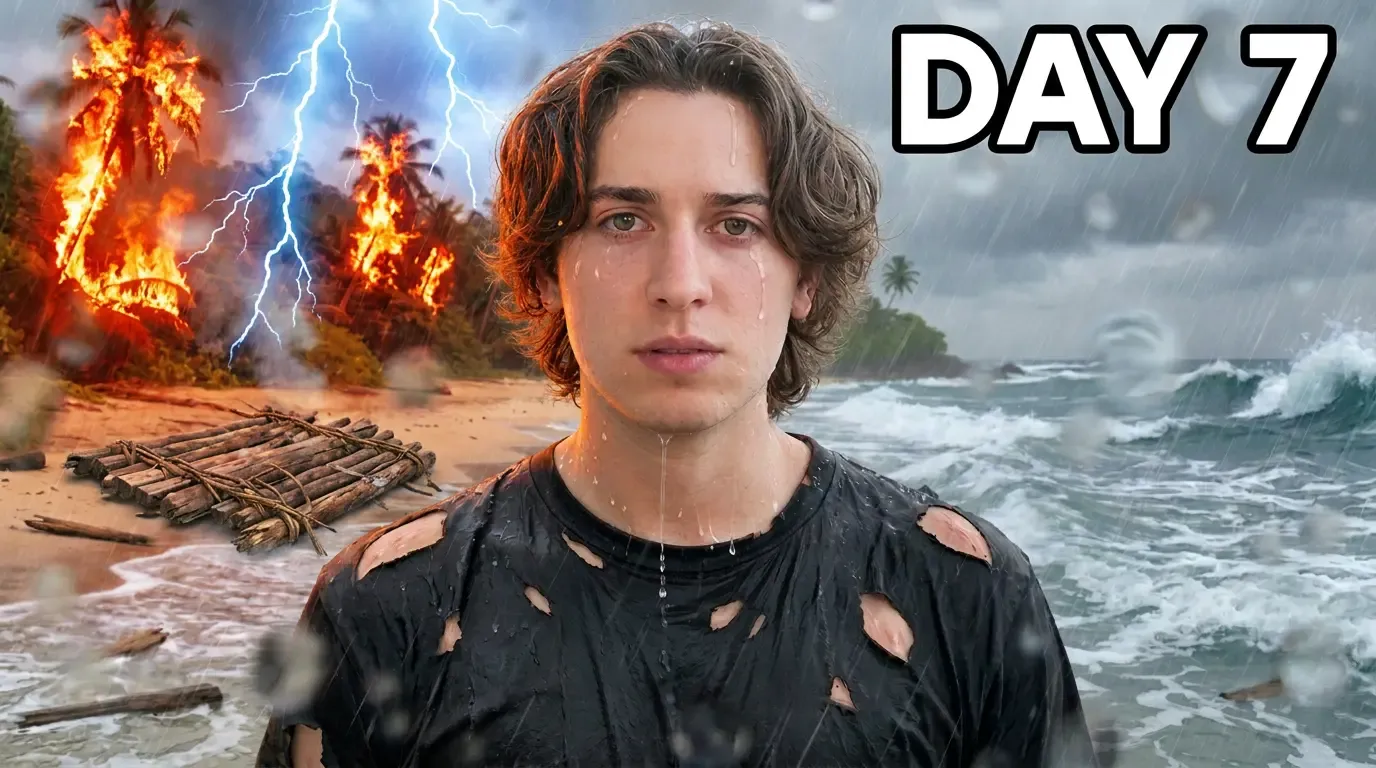 Reference Generating… AI thumbnail 1280 × 720
 What it is
A thumbnail studio, not a one-shot generator
Start a thumbnail straight from a project, so it already knows your video’s title and topic — or from a quick title and a one-line idea.
From there you layer in the pieces that make a thumbnail click, edit anything you don’t like, and test versions against each other before you publish.
Build it your way
Layer in everything a great thumbnail needs
Use one tool or stack them all — the look stays yours.
Templates
Start from ready-made layouts — public ones from TubeGen or your own saved templates — and fill them with your content.
Art styles
Pick from a preset set of art styles and combine one with a template — or use it on its own with your title and topic.
Characters
Add a saved character or describe one in text, and keep their outfit and pose consistent across thumbnails.
Objects
Drop in props — a car, a logo, a gadget — by uploading an image or just describing it.
AI-written text
Write your own headline or generate it from the image, then set the exact words, placement, and color.
Scenes
For multi-panel layouts, tell the tool what each box should show — like a comic strip.
Edit, don’t restart
Change one part without remaking the whole thing
Circle a spot to edit just that area, swap an object or a character, change a facial expression, or remove and replace the background.
Stack a few edits and apply them at once — or reshoot a fresh version of the same idea when you want a clean take.
Find the winner
Test what actually gets the click
A/B variations
Generate versions that change the face, outfit, font, text position, or props — or let it pick what to change.
Thumbnail score
Get a score on each thumbnail, like a built-in critic, and toggle it on or off over the image.
Light-shine polish
Add a polish so the colors and lighting pop and stand out in a busy feed.
Side-by-side compare
Put thumbnails next to each other to quickly see which one wins.
Where it fits
Start anywhere, publish to YouTube
Upload an image from your computer or pull one straight from a YouTube link, then edit it like any generated thumbnail. On its own, download the finished thumbnail and use it anywhere.
Inside TubeGen it builds on the same title as your video, saves to the project, and posts to YouTube as your thumbnail — no separate design tool or freelancer.
Make the thumbnail that earns the click.
Build it from your video, refine any part, A/B test, and publish to YouTube — all inside TubeGen.
Got Questions?
We've Got Answers.
Here's everything you need to know before using TubeGen for your channel!
Explore the platform